
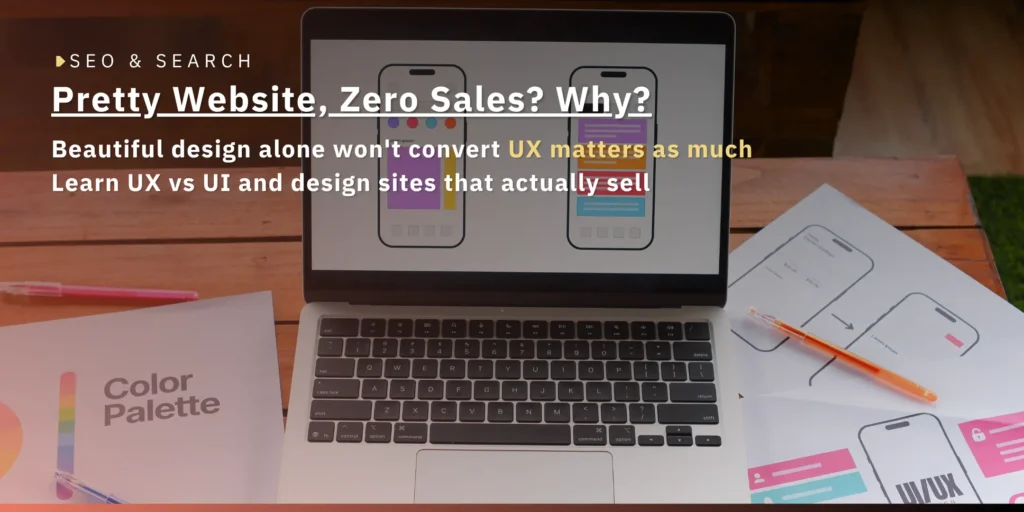
UX (User Experience) is how easy a website is to use, while UI (User Interface) is what users see, the colors, buttons, and layout. The two work together to make a website easy to use and look trustworthy. This article explains what UX/UI is, how they differ, and why they matter for the sales and credibility of a business website.
You built a beautiful website, so why do customers leave quickly and not reach out?
The answer often lies in UX/UI, two terms you hear often when building a website, but many people still cannot tell apart, or know why they matter. Yet they decide whether a visitor stays and becomes a customer, or leaves for a competitor.
At Yangdee Group, we design websites with UX/UI in mind from the start, because a beautiful site alone is not enough, it must also be easy to use and build trust. This article explains UX/UI in simple terms and why it matters for your business.
What Is UX/UI?
UX/UI is two sides of web and app design that work together. UX, or User Experience, is the overall experience of how easily a user can do what they want. UI, or User Interface, is what users see and touch, the colors, buttons, text, and layout.
Simply put, UX handles whether a site “works well,” while UI handles whether it “looks good.” The two must go together, because a site that is easy to use but looks untrustworthy, or one that is beautiful but hard to use, both lose customers.
Good UX/UI is therefore the heart of a website that turns visitors into customers, not just a site that looks good on screen.
How Are UX and UI Different?
UX differs from UI in that UX focuses on “the usage path” while UI focuses on “what you see on screen.” UI is the screens, buttons, colors, spacing, and visual details people use, while UX is the path users take to complete a task.
Here are examples to picture it. A job application site that is clear about what to do (good UX) but with tiny form fields and hard-to-read text on mobile (poor UI) frustrates users. Conversely, an e-commerce site with stunning visuals (good UI) but a messy checkout (poor UX) makes customers abandon their purchase.
In short, UX and UI are different things but cannot be separated. You need a site that is both easy to use and looks professional to truly succeed.
Why Does UX/UI Matter for Business Websites?
UX/UI matters because it directly affects sales and credibility. Data shows that 88% of online consumers are less likely to return to a site after a bad user experience. That means a hard-to-use site is losing customers for good.
In terms of return, UX/UI is very worthwhile. Good UI can increase conversion rates by up to 200%, and good UX up to 400%, and every 1 dollar invested in UX brings an average of 100 dollars back.
Beyond sales, a professional-looking UI builds trust and makes customers confident in your business, while an outdated or inconsistent UI undermines credibility no matter how good the content is. UX/UI is therefore an investment that affects business growth in measurable ways.
What Does Good UX/UI Look Like?
Good UX/UI is a site that is easy to use, clear, mobile-responsive, fast, and trustworthy. Users should immediately know what to do next, without thinking hard or figuring it out themselves.
Here are the traits of good UX/UI.
A site that is easy to use with clear navigation, so users find what they want quickly. A clean design consistent with the brand, making it look professional. Full mobile responsiveness, because most users come from mobile. Fast loading that does not make users wait and get frustrated. And clear call-to-action buttons telling users what to do next.
The simple rule is that good UX/UI should make users feel the site was “made for them,” not a site that is pretty but hard to use.
How Is UX/UI Related to SEO?
UX/UI is more related to SEO than many people think, because Google values user experience in ranking. Sites that load fast, are easy to use, and mobile-responsive tend to rank better, measured through metrics like Core Web Vitals, part of technical SEO.
In addition, good UX keeps users on the site longer and reduces bounce, which is an indirect positive ranking signal. A hard-to-use site makes people leave quickly, hurting both conversion and overall SEO.
If you want to understand how SEO works and connects to a good website, read what SEO is. Good UX/UI design is therefore a foundation that helps both users and rankings at once.
How to Start Improving Your Business Website’s UX/UI
Improving UX/UI starts with understanding users first, what they come to the site to do and where they get stuck, then structuring the site to meet that, designing a clear and trustworthy interface, and testing with real users to improve.
In practice, start by looking at data on which page or step users leave from, to know where the problems are. Then fix what has the biggest impact first, such as a hard-to-use contact page or an overly complex process.
Improving UX/UI does not require rebuilding the whole site, but can start from the points that affect conversion most. Done alongside a good page structure, which you can read about in what pages a business website should have, it helps your site be beautiful, easy to use, and actually sell.
Conclusion
UX/UI is two sides of web design that work together. Three things to remember: UX handles whether it is easy to use, while UI handles whether it looks good, both directly affect sales and credibility, and good UX/UI also helps SEO through speed and user experience.
A site that invests in good UX/UI is one that turns visitors into customers, not just looks good. If you want a site that is beautiful, easy to use, and designed for sales, our team is ready to help the data-driven way. Explore Yangdee’s website and UX/UI services and start building a web foundation that helps your business grow.
Frequently Asked Questions
Which is more important, UX or UI?
Both are important and cannot be separated. UX makes a site easy to use, while UI makes it look good and trustworthy. A site that is easy to use but looks untrustworthy, or beautiful but hard to use, both lose customers. The best path is to do both well together, not choose one.
Do I need to hire a UX/UI designer?
It depends on the size and complexity of the site. A small site may use a template with good UX/UI already, but a site needing high conversion or with complex steps benefits more from a UX/UI expert, because it directly affects sales.
How do you measure UX/UI?
It is measured by several metrics, such as conversion rate, bounce rate, time on site, and the number of people who complete a step like filling a form or buying. Looking at this data shows which parts of the UX/UI work well and which should be improved.
Why does a beautiful site fail to sell?
It is often because the UI is good but the UX is poor, meaning the site looks beautiful but is hard to use, such as hard to find information, complex steps, or unclear buttons. This confuses users and they leave before deciding. The fix is to improve UX so the usage path is easy and clearly guides toward contacting or buying.
Can I improve the UX/UI of an existing site?
Yes, and you do not need to rebuild the whole site. Start by looking at data on where users get stuck, then fix the highest-impact points first, such as pages with high exits or complex steps. Improving one point at a time backed by data shows results without investing in a whole new site.